> For the complete documentation index, see [llms.txt](https://testbox.ortusbooks.com/llms.txt). Markdown versions of documentation pages are available by appending `.md` to page URLs; this page is available as [Markdown](https://testbox.ortusbooks.com/getting-started/running-tests/streaming-runner.md).
# Streaming Runner
Push test results to clients in real time via Server-Sent Events as each spec completes.
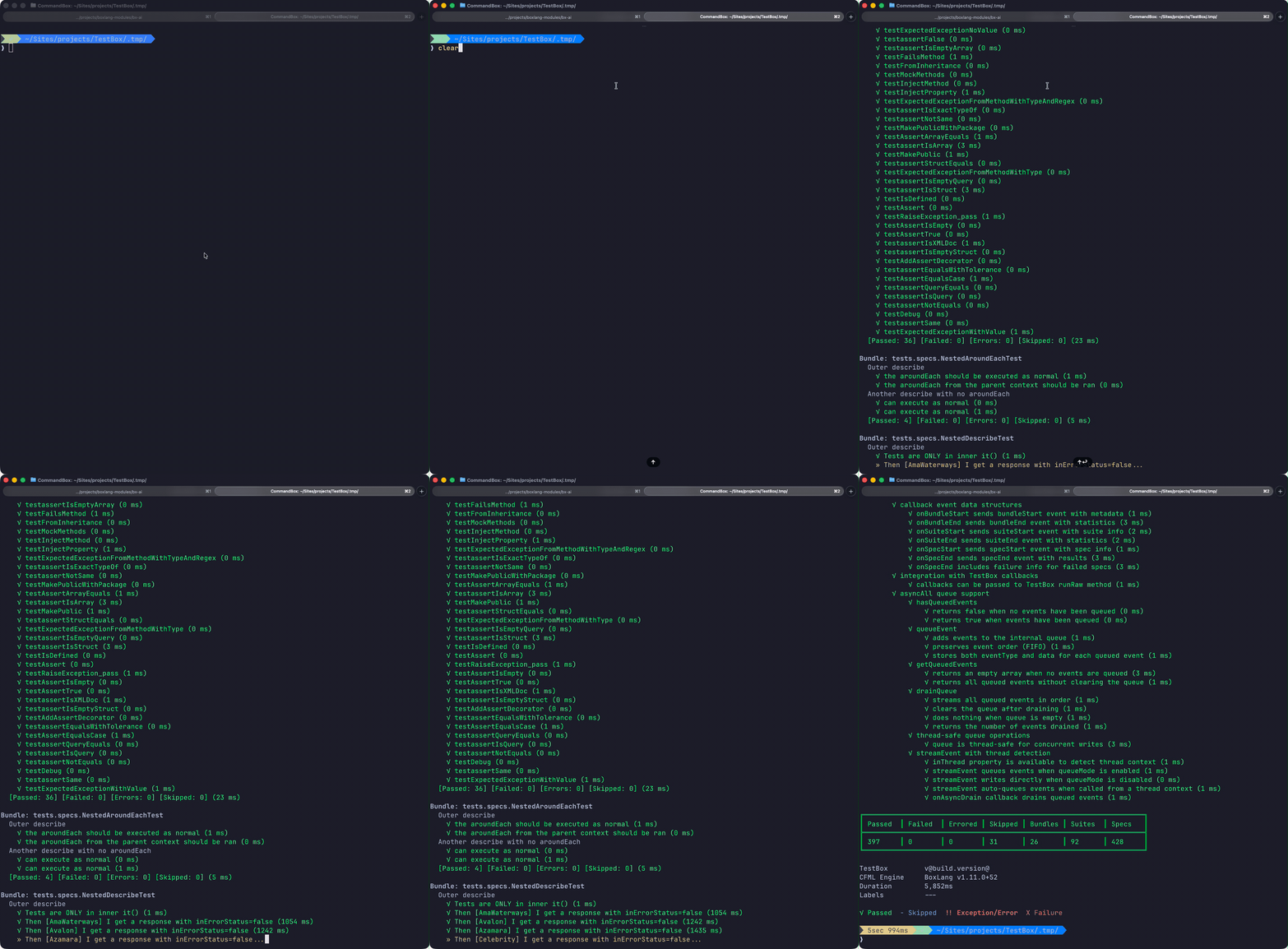
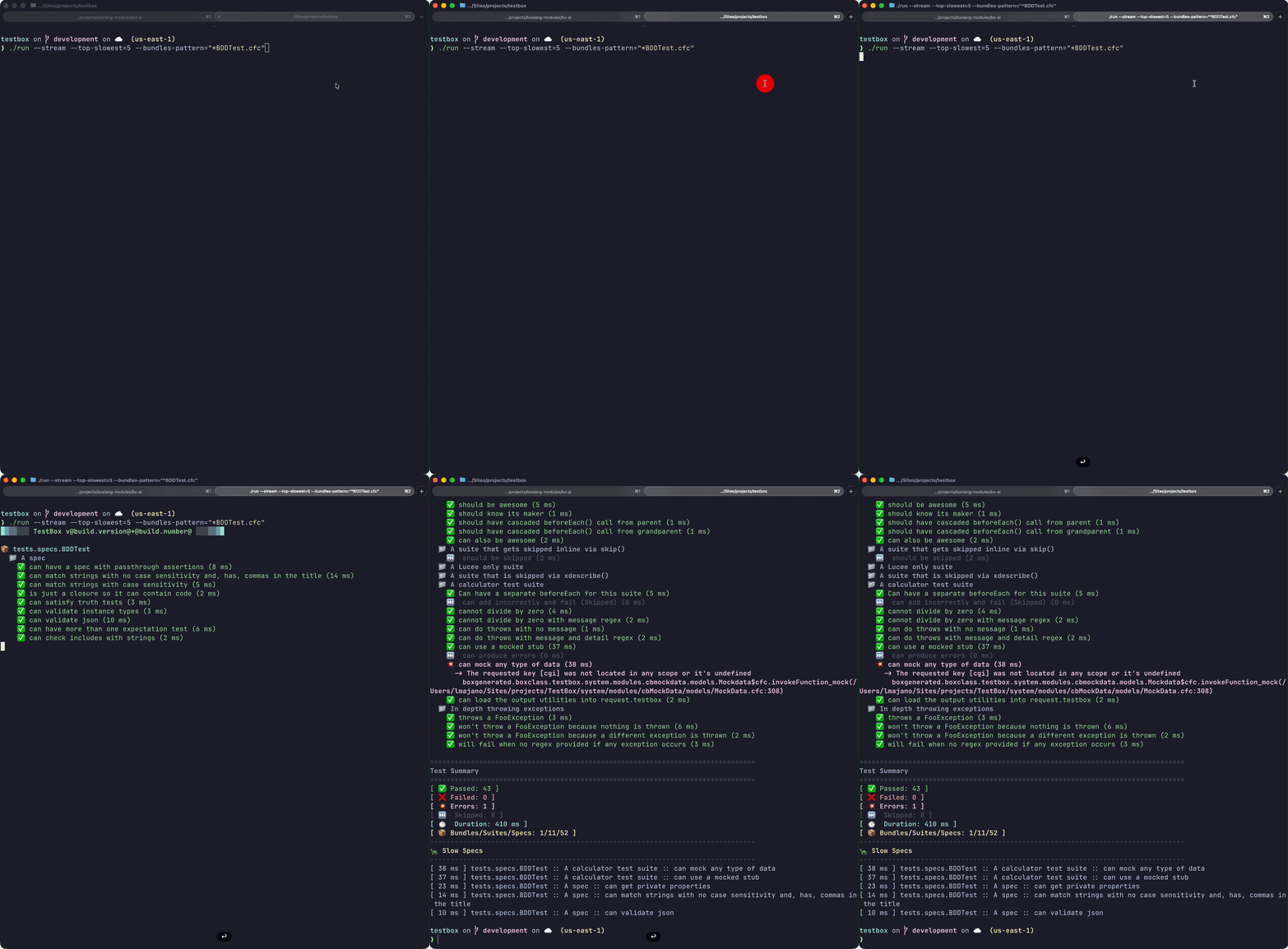
TestBox 7 introduces a brand-new **StreamingRunner** that pushes test results to the client as each spec completes via **Server-Sent Events (SSE)**. You no longer have to wait for the entire suite to finish before seeing results — each spec result is streamed in real time. This opens up powerful workflows for CI pipelines, large test suites, and browser-based IDEs where immediate feedback is critical.
Spec results arrive in the terminal as each test completes
## Where Streaming Is Used
The `StreamingRunner` is the engine behind two separate streaming experiences:
| Consumer | How to activate |
| ------------------------------------------------------------------------ | ------------------------------------------------------------------ |
| [**TestBox RUN IDE**](/getting-started/running-tests/testbox-run-ide.md) | Open `bx/tests/index.bxm` in your browser — streaming is always on |
| **CommandBox CLI** | `testbox run --streaming` |
| **BoxLang CLI Runner** | `./testbox/run --stream` |
***
## Programmatic Usage
`testbox.system.runners.StreamingRunner` can be wired into any SSE-capable HTTP endpoint:
```javascript
component {
function streamTests( event, rc, prc ) {
// Required SSE headers
event.setHTTPHeader( name = "Content-Type", value = "text/event-stream" );
event.setHTTPHeader( name = "Cache-Control", value = "no-cache" );
event.setHTTPHeader( name = "Connection", value = "keep-alive" );
new testbox.system.runners.StreamingRunner(
bundles = "tests.specs",
options = {},
reporter = "text"
).run();
}
}
```
### BoxLang Example
In a BoxLang handler or script:
```javascript
class {
function streamTests( event, rc, prc ) {
event.setHTTPHeader( name = "Content-Type", value = "text/event-stream" )
event.setHTTPHeader( name = "Cache-Control", value = "no-cache" )
new testbox.system.runners.StreamingRunner(
bundles = "tests.specs",
options = {}
).run()
}
}
```
***
## CLI Streaming
### CommandBox (`testbox run --streaming`)
```bash
testbox run --streaming
# Include all passing specs in the live feed
testbox run --streaming --verbose
```
### BoxLang CLI (`./testbox/run --stream`)
```bash
./testbox/run --stream
./testbox/run --directory=tests.specs --stream
```
See the [BoxLang CLI Runner](/getting-started/running-tests/boxlang-cli-runner.md) for the full set of output-control options (`--show-failed-only`, `--stacktrace`, etc.) that work alongside `--stream`.
***
## SSE Event Format
Each spec result is emitted as an SSE event with the following structure:
```
event: spec
data: {"name":"it should do something","status":"pass","durationMs":12,"suitePath":"My Suite > My Sub Suite"}
event: spec
data: {"name":"it should fail","status":"fail","durationMs":5,"message":"Expected true to be false"}
event: done
data: {"totalPass":42,"totalFail":1,"totalError":0,"totalSkipped":3,"totalDuration":1402}
```
Event types:
| Event | Description |
| -------------- | -------------------------------------------------- |
| `bundle-start` | A new bundle begins execution |
| `bundle-end` | A bundle has finished; includes bundle-level stats |
| `suite-start` | A suite begins |
| `suite-end` | A suite completes |
| `spec` | A single spec result (pass/fail/error/skipped) |
| `done` | Full run complete; includes aggregate stats |
{% hint style="info" %}
The SSE format is consumed natively by the [TestBox RUN IDE](/getting-started/running-tests/testbox-run-ide.md) and by the streaming renderers in both CLI runners. You can also consume it from any SSE-capable HTTP client.
{% endhint %}
---
# Agent Instructions
This documentation is published with GitBook. GitBook is the documentation platform designed so that both humans and AI agents can read, navigate, and reason over technical content effectively. Learn more at gitbook.com.
## Querying This Documentation
If you need additional information that is not directly available in this page, you can query the documentation by asking a question.
Perform an HTTP GET request on the following URL with the `ask` and `goal` query parameters:
```
GET https://testbox.ortusbooks.com/getting-started/running-tests/streaming-runner.md?ask=&goal=
```
`ask` is the immediate question: it should be specific, self-contained, and written in natural language.
`goal` is what the user is ultimately trying to achieve, the reason they need the answer. Sharing it helps GitBook give you a better, more relevant answer. A goal is most helpful when it describes the outcome the user wants rather than restating the question. For example, with `ask=how do I create an API token`, a goal like `automate deployments from our CI pipeline` lets GitBook tailor the answer to that use case.
The response will contain a direct answer to the question and relevant excerpts and sources from the documentation.
Use this mechanism when the answer is not explicitly present in the current page, you need clarification or additional context, or you want to retrieve related documentation sections.