browserTestBox RUN IDE

The BoxLang-native browser IDE for discovering, running, and streaming your test results in real time.

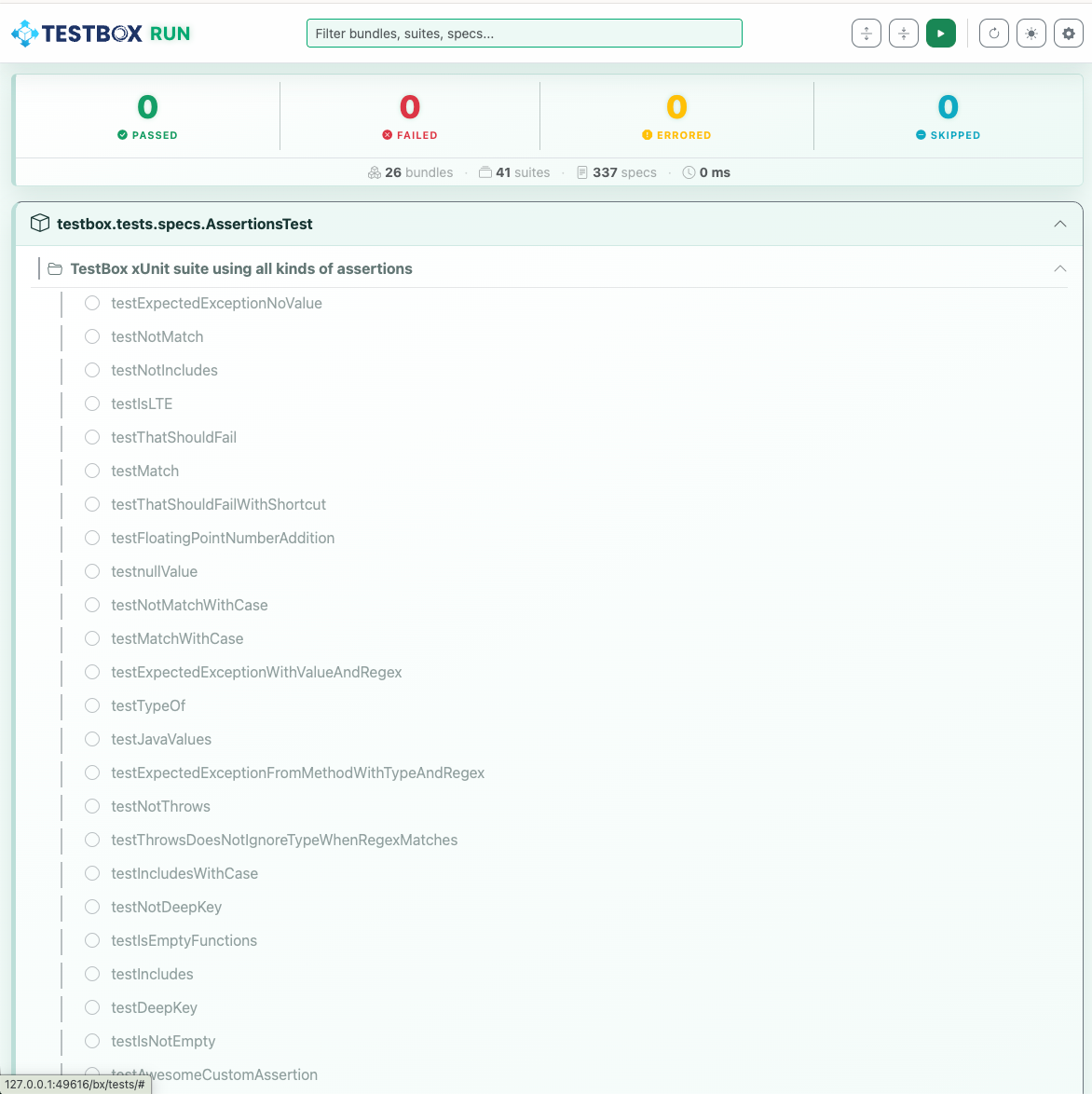
TestBox RUN is a brand-new, BoxLang-native test runner and IDE shipped as part of TestBox 7. It is a fully-featured browser-based interface for discovering, running, and streaming your test results in real time — all powered by BoxLang and the new StreamingRunner SSE engine.

TestBox RUN IDE in action
TestBox RUN — real-time streaming test results in the browser
circle-info

TestBox RUN is BoxLang-only. It requires a running web server and a runner.bxm (or runner.bx) endpoint that supports the SSE streaming protocol. For pure CLI applications, use the BoxLang CLI runner with --stream instead.

What Is It?

TestBox RUN is a self-hosted single-page web app (bx/tests/index.bxm) that you drop into your BoxLang project and open in your browser. It communicates with your existing runner.bxm endpoint and streams spec results as they complete via Server-Sent Events. No build toolchain, no external service — just BoxLang.

Getting Started

TestBox RUN is included automatically with every TestBox 7 installation under bx/tests/. Point your web server at bx/tests/index.bxm and open it in your browser.

Every ColdBox application generated with the ColdBox CLI also includes TestBox RUN out of the box.

You can also scaffold a new test harness with TestBox RUN support using the TestBox CLI:

URL Parameters

Every setting can be overridden via URL query parameters for quick CI integration or bookmarking specific runs:


Feature Highlights

Real-Time Streaming Test Tree

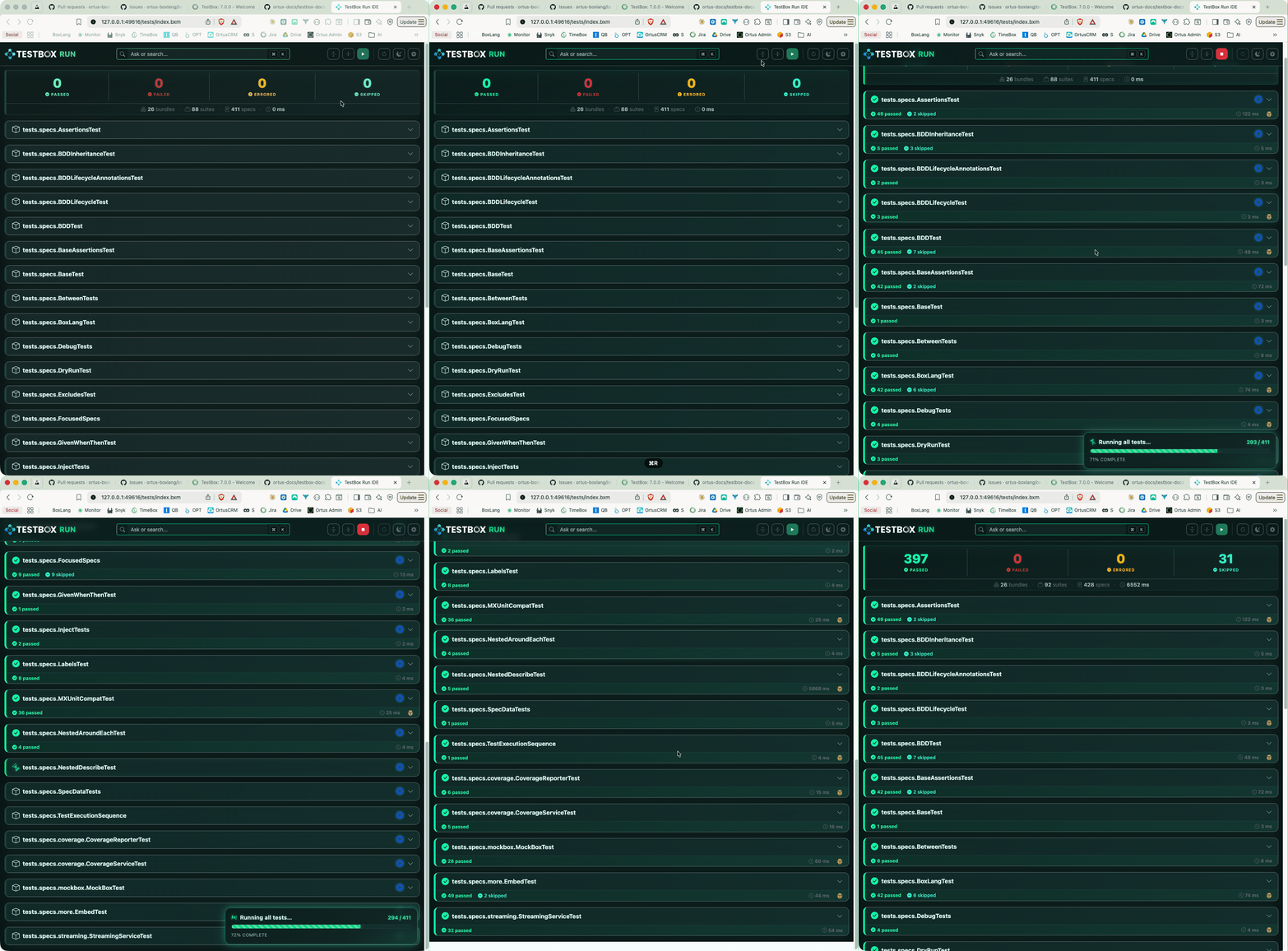
Suite running in real-time
Results appear as each spec finishes — no waiting for the full suite
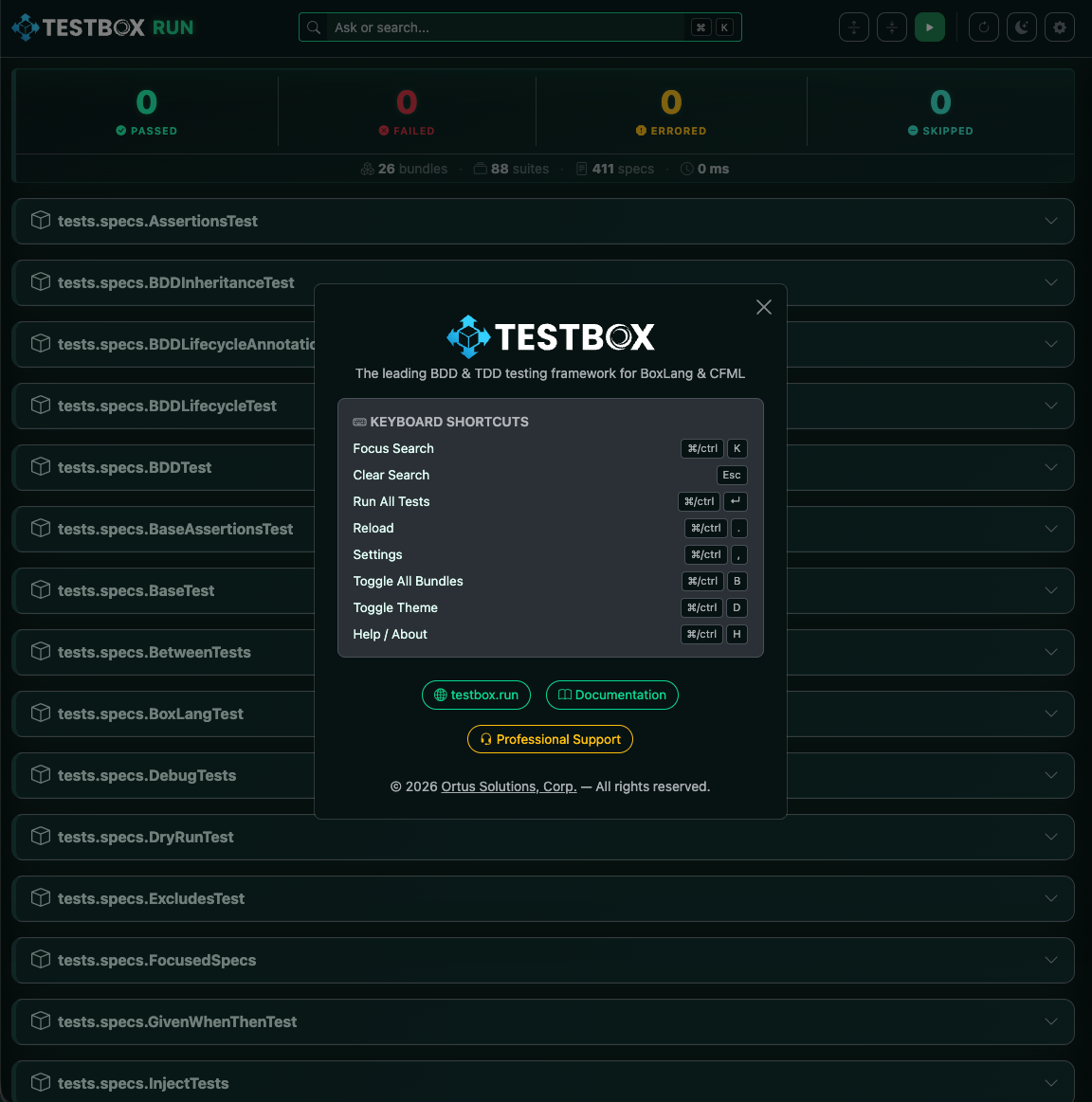
Results appear in the UI as each spec finishes. The test tree updates live — passing specs turn green ✅, failures show red ❌, and errors surface immediately with their full message — long before the suite finishes.


Beautiful, Responsive UI

TestBox RUN UI overview
TestBox RUN light mode
Both dark and light themes are supported
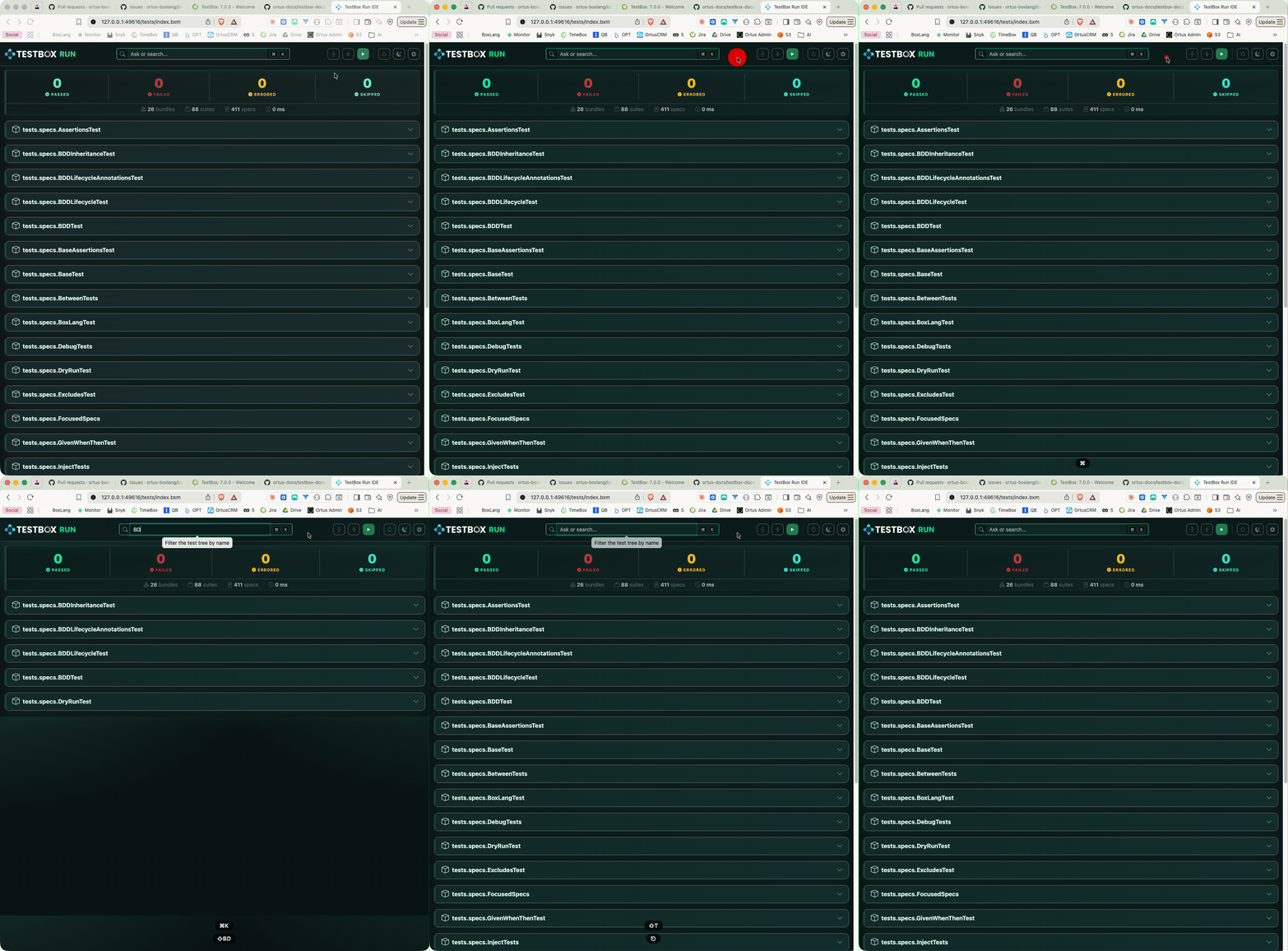
  • Dark / Light theme toggle with preference persistence in localStorage

  • Keyboard-first UX — see keyboard shortcuts below


Keyboard Shortcuts

Shortcut
Action

⌘/Ctrl + K

Focus the search bar

Esc

Clear search

⌘/Ctrl + Enter

Run all tests

⌘/Ctrl + .

Reload / rediscover tests

⌘/Ctrl + ,

Open Settings

⌘/Ctrl + B

Toggle expand/collapse all bundles

⌘/Ctrl + D

Toggle dark/light mode

⌘/Ctrl + H

Open the About / Help dialog


Live Search & Filtering

Live search filtering the test tree
Instantly filter by bundle, suite, or spec name
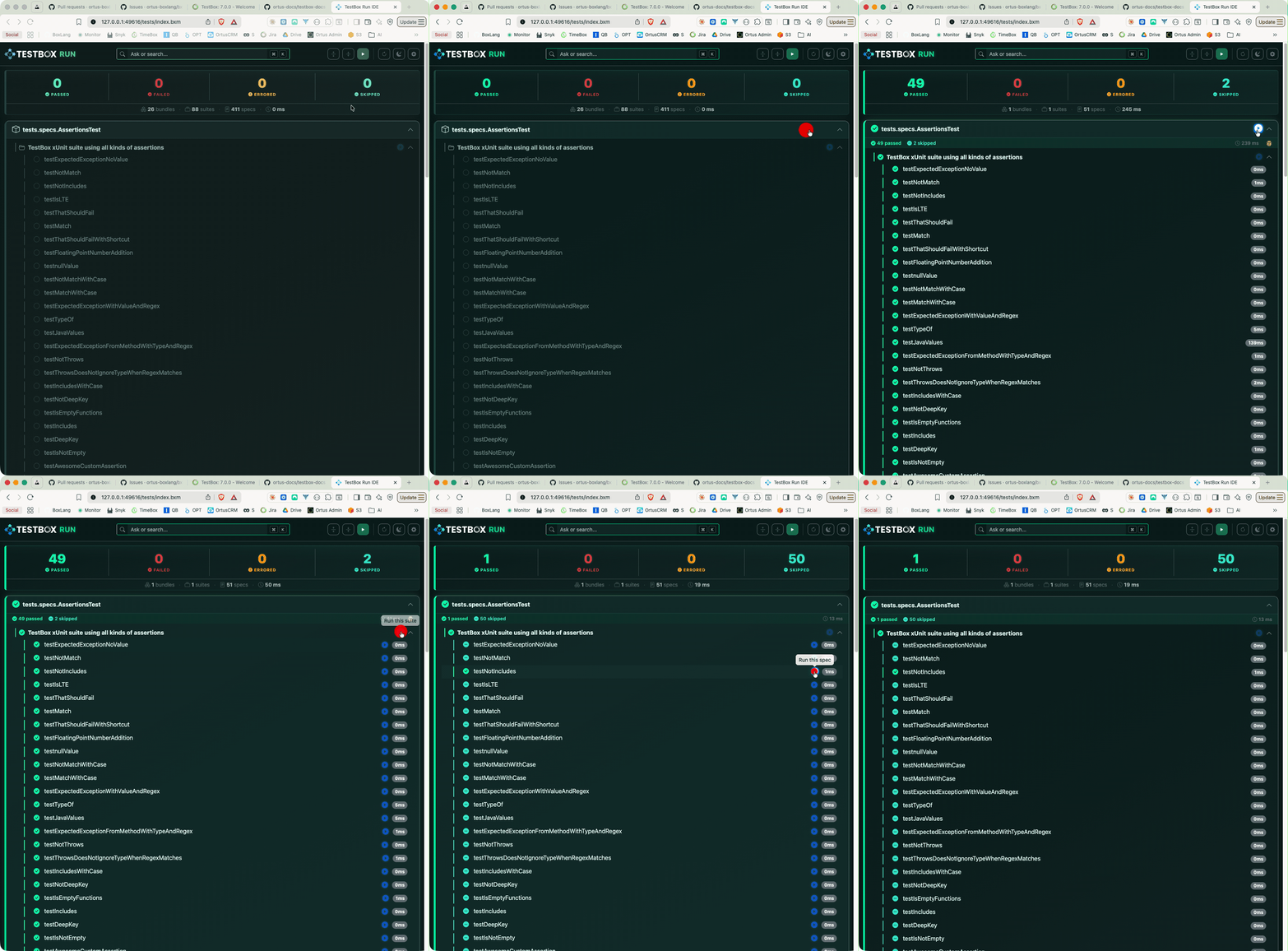
A search bar at the top lets you instantly filter the test tree by bundle, suite, or spec name. Combined with the status filter chips (Passed / Failed / Errored / Skipped), you can zero in on exactly the tests you care about.


Per-Bundle Run

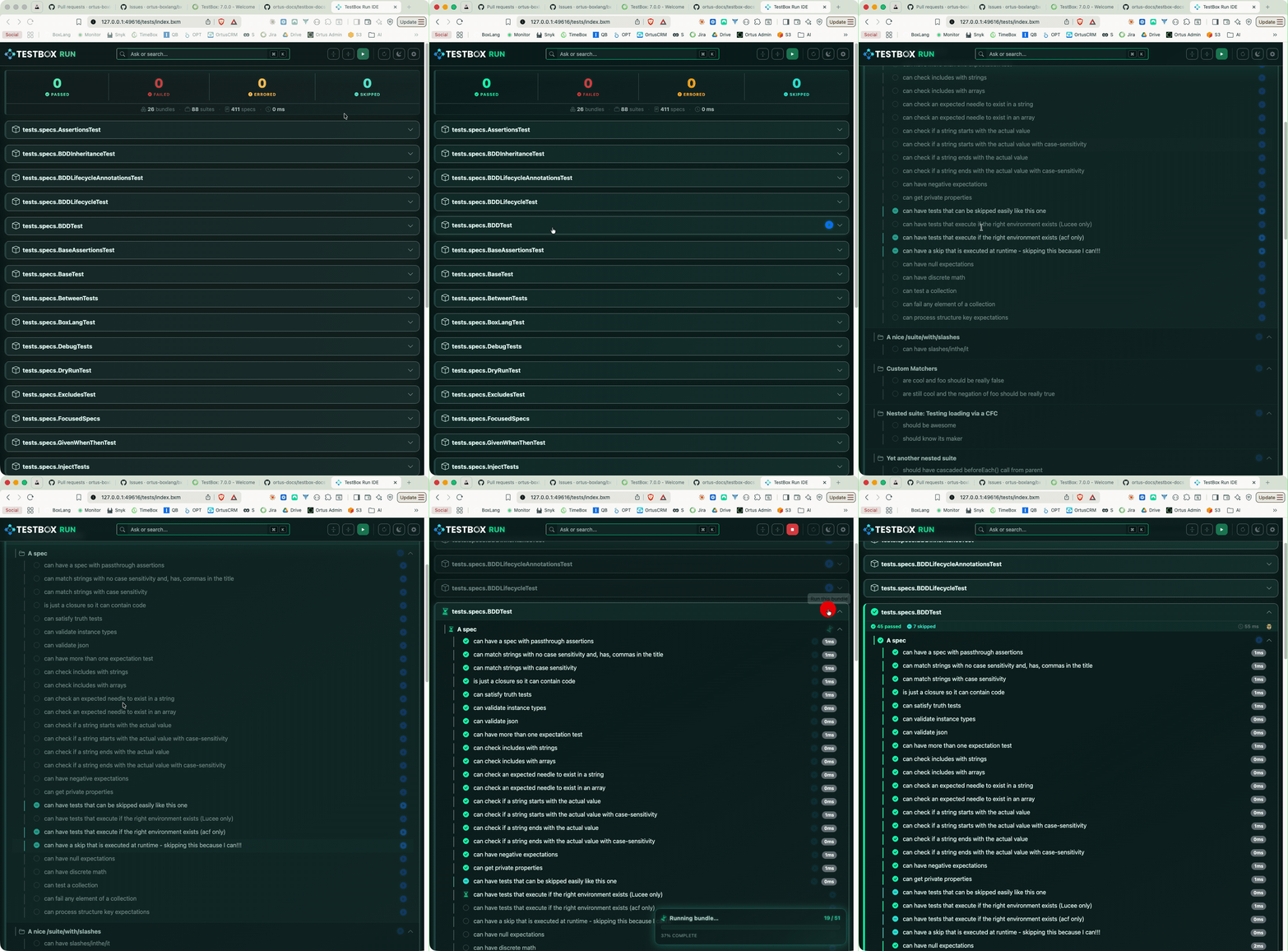
Running a single bundle
Re-run a single bundle without rerunning the entire suite
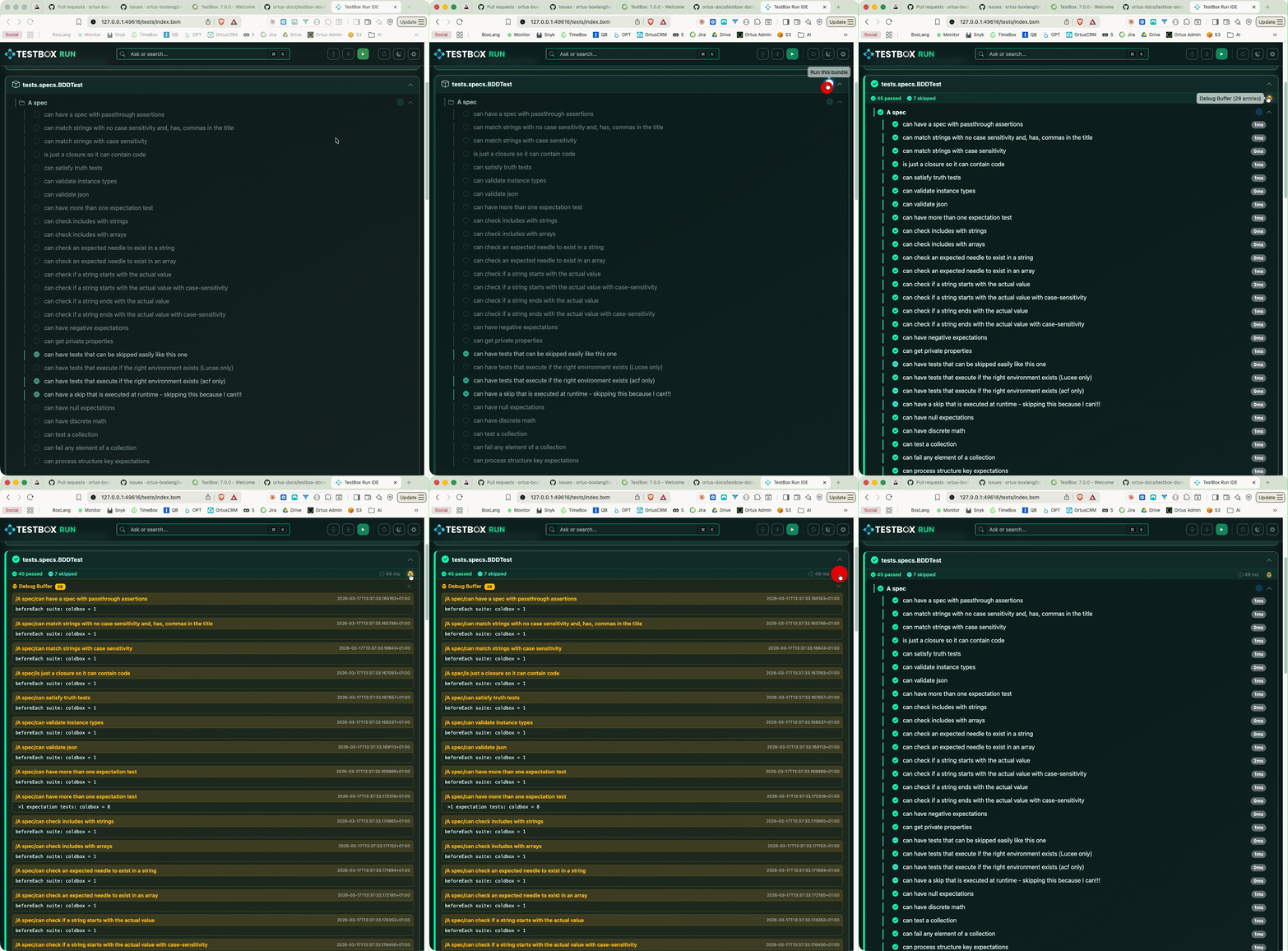
Each bundle card has its own ▶ Run button so you can re-run a single bundle without triggering the full suite. A compact results strip beneath each bundle header shows pass/fail/error/skipped counts and total duration at a glance.


Debug Buffer Panel

Debug buffer panel
Per-bundle debug output captured during a run
Any output captured in the TestBox debug buffer during a run is surfaced in a collapsible per-bundle Debug Panel, accessible via the bug icon on the bundle strip. Each entry is rendered with its label and a formatted data view.


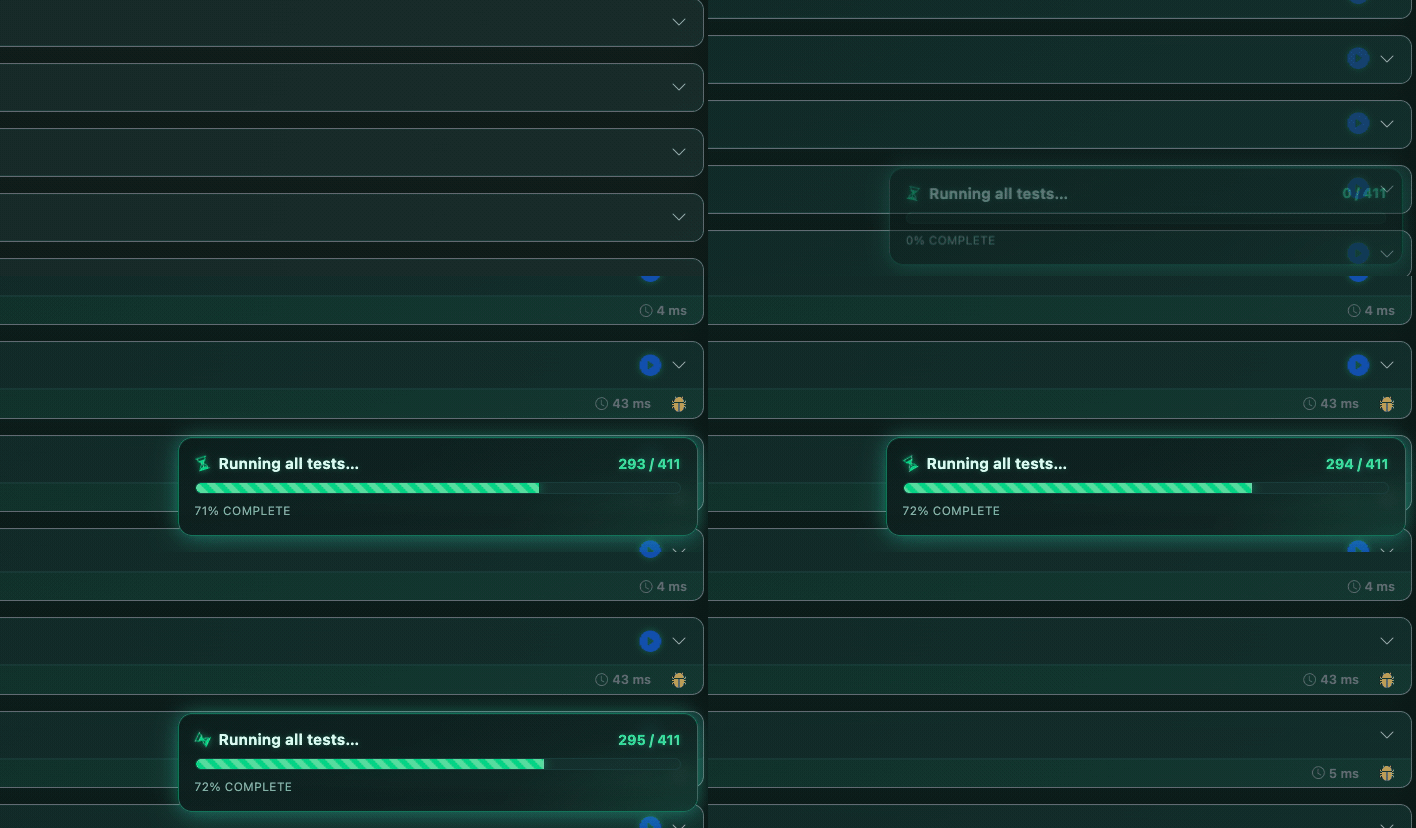
Floating Progress Widget

Floating progress widget
Live progress during an active run

A floating progress widget appears during active runs, showing:

  • Current bundle running

  • Specs completed vs. total

  • Animated progress bar with percentage


Configurable Settings

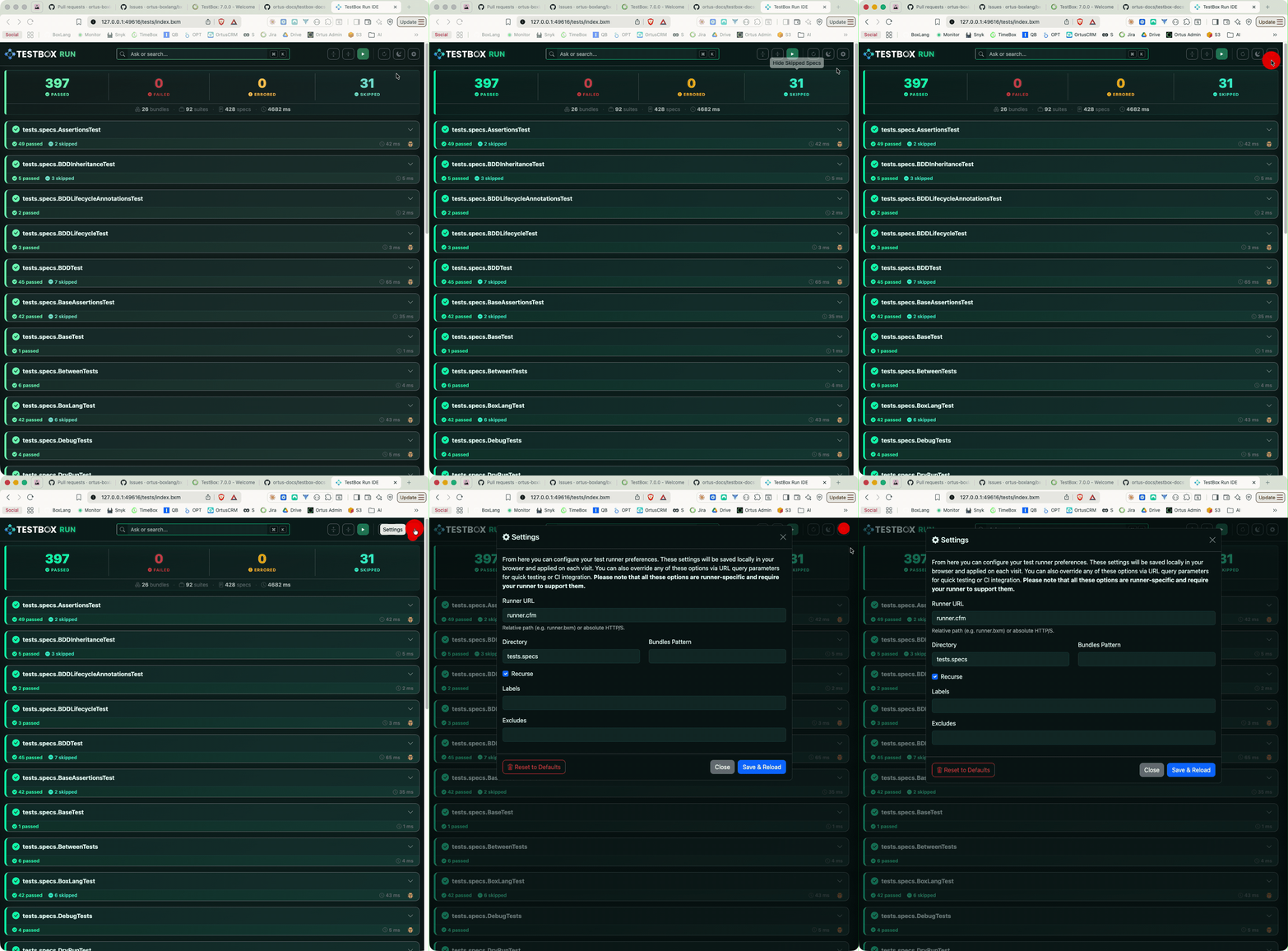
Settings modal
Configure runner URL, directory, bundles, labels, and more

Click the gear icon (or ⌘/Ctrl + ,) to open the Settings modal, where you can configure:

  • Runner URL (relative path or absolute HTTP/S)

  • Directory and bundles pattern

  • Recurse toggle

  • Labels and excludes

All settings are saved in localStorage and applied on the next visit.


Coming Soon: TestBox RUN Desktop App

circle-check

Last updated

Was this helpful?