> For the complete documentation index, see [llms.txt](https://testbox.ortusbooks.com/llms.txt). Markdown versions of documentation pages are available by appending `.md` to page URLs; this page is available as [Markdown](https://testbox.ortusbooks.com/v6.x/getting-started/running-tests/boxlang-cli-runner.md).
# BoxLang CLI Runner
Run your tests directly with BoxLang in the CLI.
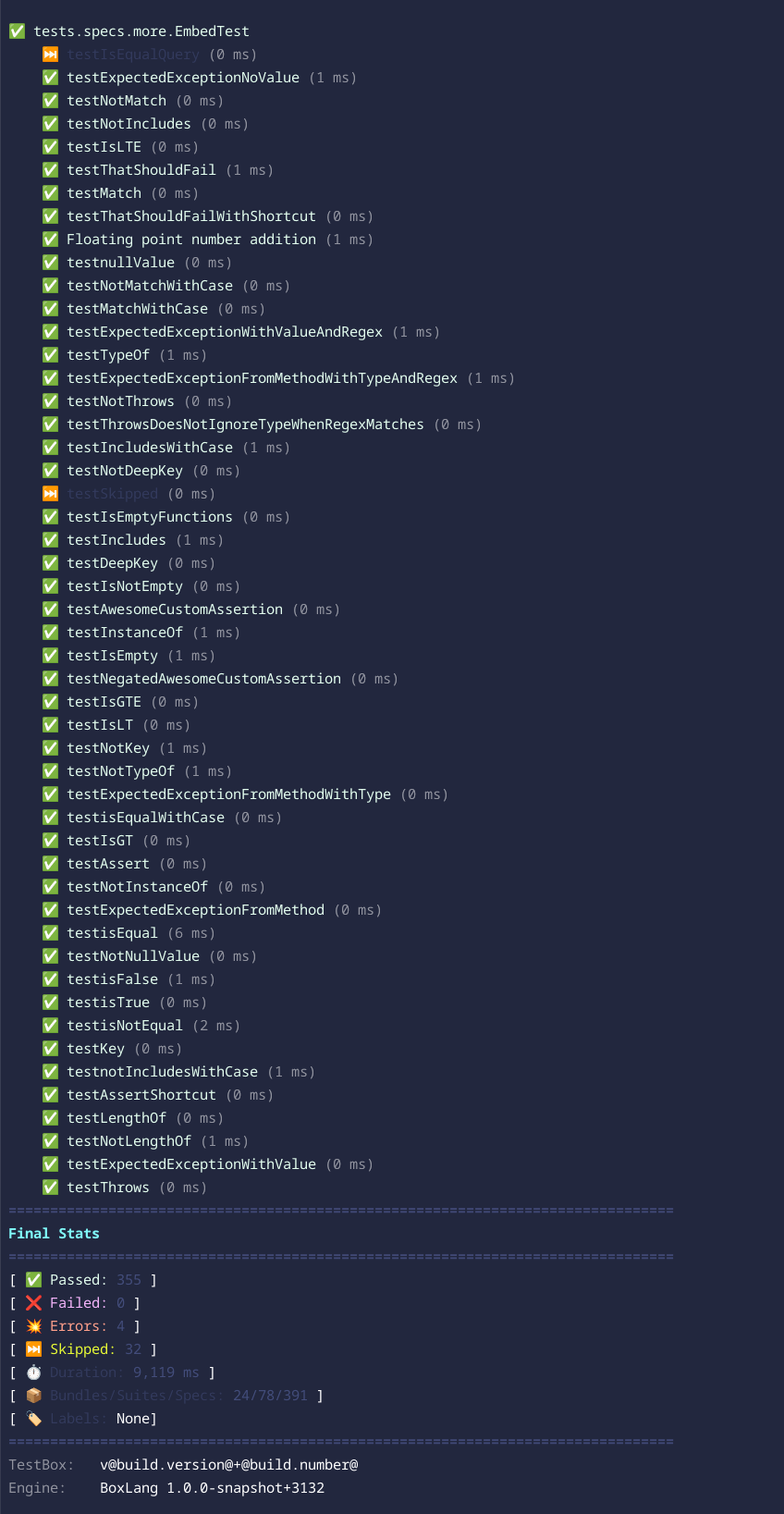
TestBox ships with a BoxLang CLI runner for Linux/Mac and Windows. This will allow you to execute your tests from the CLI and, in the future, via VSCode easily and extremely fast. It can also execute and stream the executions to see the testing progress when running in `verbose` mode. The runner can also execute specs/tests written in CFML or BoxLang in the BoxLang runtime.
{% hint style="danger" %}
Please note that this is a BoxLang-only feature.
{% endhint %}
BoxLang allows you to build web applications, CLI, serverless, Android, and more. You can use this runner to test each environment. However, please note that if you will be testing web servers from the CLI only, you will need to install the web support module into the Operating System runtime.
### Web Server Testing
If you want to test from the CLI your web application with no web server, then you will need to install the `bx-web-support` module into the CLI. *Remember that BoxLang is multi-runtime, and you cannot only build web applications but CLI or OS-based applications.*
```bash
// BoxLang OS Binary
install-bx-module bx-web-support
```
This will add web support to the CLI (BIFS, components, etc.) and a mock HTTP server so you can do full life-cycle testing from the CLI, like running your app on a web server. This runner does not require a web server to function; thus, if you are building a web app, you will need this module if you still want to execute your tests in the CLI Runtime.
{% hint style="success" %}
If you are building exclusively a web application, we suggest you use the [CommandBox runner](/v6.x/getting-started/running-tests/commandbox-runner.md) which will call your runner via HTTP from the CLI. You can also just use the [Web Runner](/v6.x/getting-started/running-tests/test-runner.md).
{% endhint %}
### Script Locations
The scripts are located in the following directory: `/testbox/` from the TestBox installation package.
* `run` - For Linux/Mac
* `run.bat` - For Windows
This is the entry point for executing tests at the CLI level. Please note that the test execution does NOT involve a web server. This is for pure CLI testing.
### Examples:
The runner must be run from the root of your BoxLang project:
#### Mac/Linux
```bash
./testbox/run
./testbox/run my.bundle
./testbox/run --directory=tests.specs
./testbox/run --bundles=my.bundle
```
#### Windows Examples:
```bash
./testbox/run.bat
./testbox/run.bat my.bundle
./testbox/run.bat --directory=tests.specs
./testbox/run.bat --bundles=my.bundle
```
### Execution Options
* `--bundles` A list of test bundles to run, defaults to \*, ex: path.to.bundle1,path.to.bundle2, . Mutually exclusive with --directory
* `--bundles-pattern` A pattern to match test bundles defaults to "`*Spec*.cfc|*Test*.cfc|*Spec*.bx|*Test*.bx`"
* `--directory` A list of directories to look for tests to execute. Please use dot-notation, not absolute notation. Mutually exclusive with `--bundles`. Ex: `tests.specs` Defaults to `tests.specs`
* `--recurse` : Recurse into subdirectories, defaults to true
* `--eager-failure` : Fail fast, defaults to false
* `--verbose` : Verbose output defaults to false. This will stream the output of the status of the tests as they run.
### Reporting Options
* `--reporter` The reporter to use.
* `--reportpath` : The path to write the report file defaults to the `/tests/results` folder by convention
* `--properties-summary` : Generate a properties file with the summary of the test results, defaults to true.
* `--properties-filename` : The name of the properties file to generate defaults to TEST.properties
* `--write-report` : Write the report to a file in the report path folder, defaults to true
* `--write-json-report` : Write the report as JSON alongside the requested report, defaults to false
* `--write-visualizer` : Write the visualizer to a file in the report path folder, defaults to false
### Runner Options
You can also pass options to the selected runner by using the following convention:
```bash
--runner-{option}=value
```
This will pass a struct of options to the runners once it runs.
### Filtering Options
* `--labels` : A list of labels to use in the execution.
* `--excludes` : A list of labels to exclude in the execution.
* `--filter-bundles` : A list of bundles to filter by, defaults to \*
* `--filter-suites` : A list of suites to filter by, defaults to \*
* `--filter-specs` : A list of test names or spec names to filter by, defaults to \*
---
# Agent Instructions
This documentation is published with GitBook. GitBook is the documentation platform designed so that both humans and AI agents can read, navigate, and reason over technical content effectively. Learn more at gitbook.com.
## Querying This Documentation
If you need additional information that is not directly available in this page, you can query the documentation by asking a question.
Perform an HTTP GET request on the following URL with the `ask` and `goal` query parameters:
```
GET https://testbox.ortusbooks.com/v6.x/getting-started/running-tests/boxlang-cli-runner.md?ask=&goal=
```
`ask` is the immediate question: it should be specific, self-contained, and written in natural language.
`goal` is what the user is ultimately trying to achieve, the reason they need the answer. Sharing it helps GitBook give you a better, more relevant answer. A goal is most helpful when it describes the outcome the user wants rather than restating the question. For example, with `ask=how do I create an API token`, a goal like `automate deployments from our CI pipeline` lets GitBook tailor the answer to that use case.
The response will contain a direct answer to the question and relevant excerpts and sources from the documentation.
Use this mechanism when the answer is not explicitly present in the current page, you need clarification or additional context, or you want to retrieve related documentation sections.